TOOL LEVEL ACCESS CONTROL FOR AGENTS
Give every agent exactly the tools it needs, Nothing more
Give every agent exactly the tools it needs, Nothing more
Give every agent exactly the tools it needs, Nothing more
Connect each MCP server or API once. Give every agent its own key and per-tool allowlist, then change or revoke access without rotating credentials.
Connect each MCP server or API once. Give every agent its own key and per-tool allowlist, then change or revoke access without rotating credentials.

30+ INTEGRATIONS




MCP servers and your own APIs, managed in one place
Connect MCP servers and your own APIs in one place. Gateway manages both with the same permissions, keys and audit trail.
MCP servers + your APIs
Allow exactly what each agent needs
One connector. Scoped per agent.
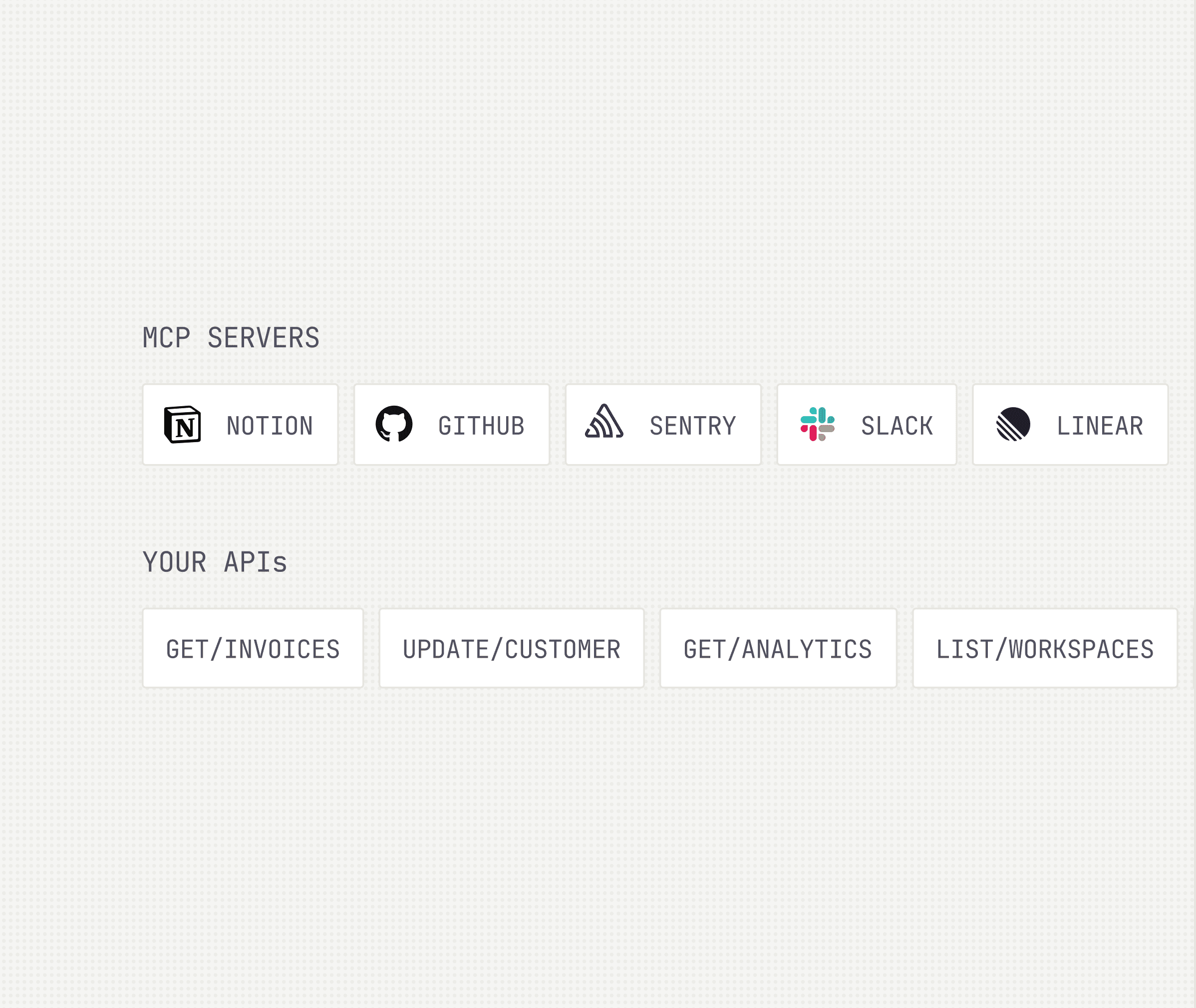


MCP servers and your own APIs, managed in one place
Connect MCP servers and your own APIs in one place. Gateway manages both with the same permissions, keys and audit trail.
MCP servers + your APIs
Allow exactly what each agent needs
One connector. Scoped per agent.


MCP servers and your own APIs, managed in one place
Connect MCP servers and your own APIs in one place. Gateway manages both with the same permissions, keys and audit trail.
MCP servers + your APIs
Allow exactly what each agent needs
One connector. Scoped per agent.
Setup is three steps
Setup is three steps
Setup is three steps
Point Gateway at what you already run. It handles the rest.
Point Gateway at what you already run. It handles the rest.
01
Connect
Add an MCP server or upload an OpenAPI spec.
Add an MCP server or upload an OpenAPI spec.

02
Grant
Name it and pick the tools it may touch, nothing more.
Name it and pick the tools it may touch, nothing more.

03
Run
One scoped key. Drop it into your agent and the first call lands right here.
One scoped key. Drop it into your agent and the first call lands right here.

Everything you need, on one page.
Everything you need, on one page.
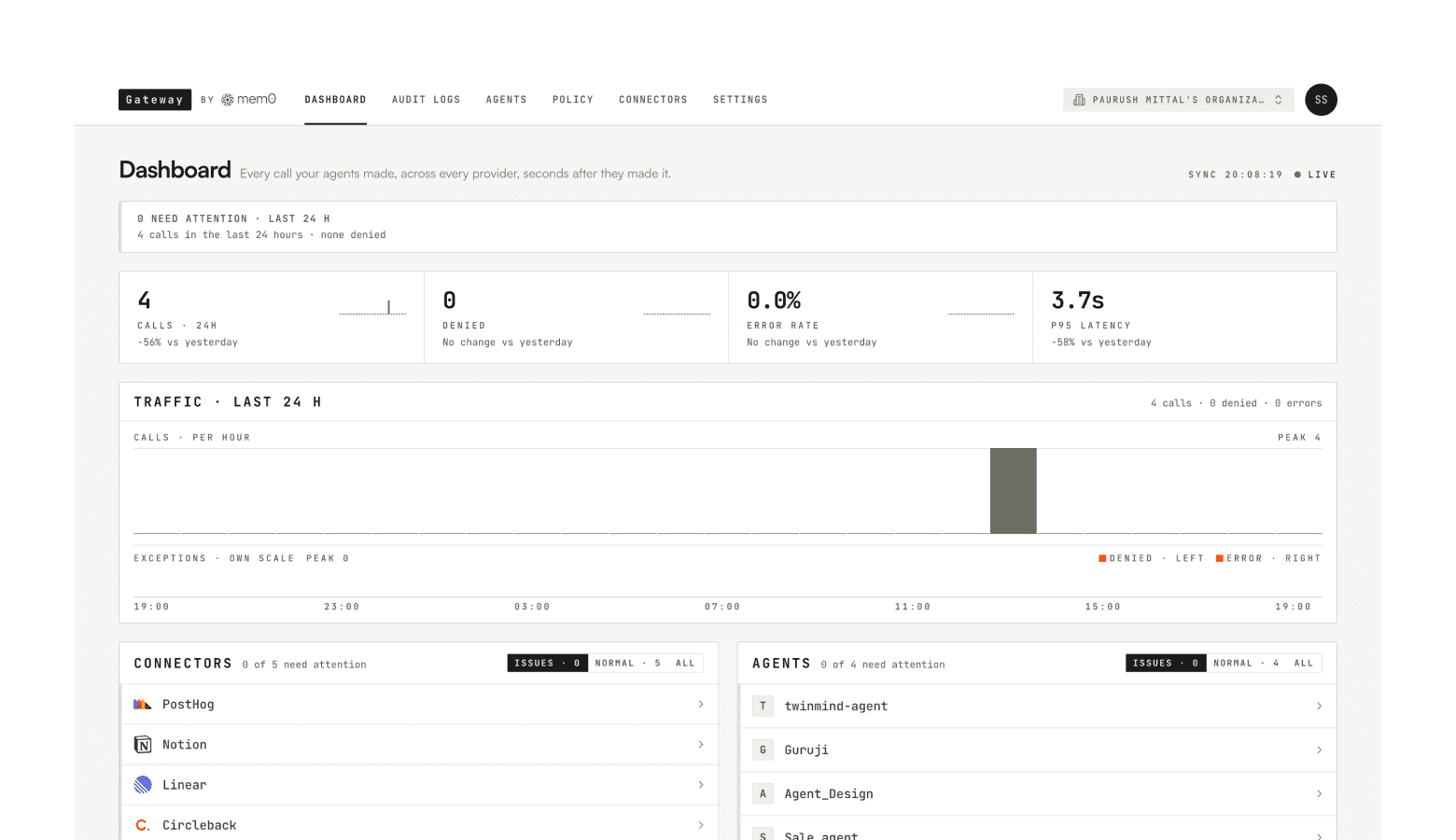
Watch agents, connectors and every request from a single operational view.
Watch agents, connectors and every request from a single operational view.


Attention
See what’s happening across your agents.
ACTIVITY
Trace every action across your agents.
Agents
Monitor every agent at a glance.
Connectors
Manage the tools your agents can access.


Attention
See what’s happening across your agents.
ACTIVITY
Trace every action across your agents.
Agents
Monitor every agent at a glance.
Connectors
Manage the tools your agents can access.
Built for agents already in production
Built for agents already in production
Built for agents already in production
Grant, change, watch, and kill from one console
Grant, change, watch, and kill from one console
Give agents only the access they need.
Replace all-or-nothing integrations with granular, tool-level permissions.
Replace all-or-nothing integrations with granular, tool-level permissions.
Allow your own internal APIs
Upload a spec and grant its endpoint like any other tool.
Upload a spec and grant its endpoint like any other tool.
See every agent action in one place
One live timeline for every allowed and denied request across providers.
One live timeline for every allowed and denied request across providers.
Stop any agent with a single click
One click stops an agent. Its next request is refused everywhere.
One click stops an agent. Its next request is refused everywhere.
Manage credentials in one place
Store, rotate, and update credentials once. Every connected agent keeps working.
Store, rotate, and update credentials once. Every connected agent keeps working.
Connect the tools your agents already use
MCP servers out of the box, plus any API you bring.
MCP servers out of the box, plus any API you bring.


Built for the whole org
Built for the whole org
Built for the whole org
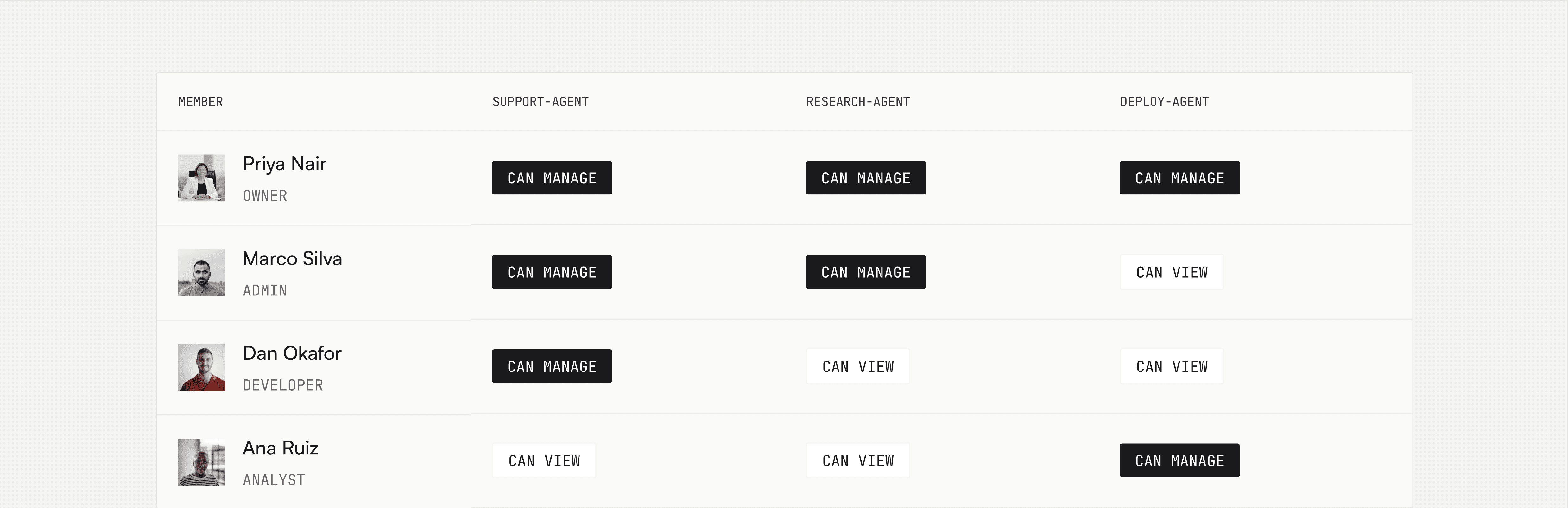
Connectors are shared, agents are yours. Managers see the activity of every agent in the org.
Connectors are shared, agents are yours. Managers see the activity of every agent in the org.
Built for teams already running agents.
Built for teams already running agents.
Built for teams already running agents.
Seed to Series C, with agents pointed at both the SaaS you buy and the software you built yourselves.
Seed to Series C, with agents pointed at both the SaaS you buy and the software you built yourselves.
Engineer
Head of engineering
Security lead
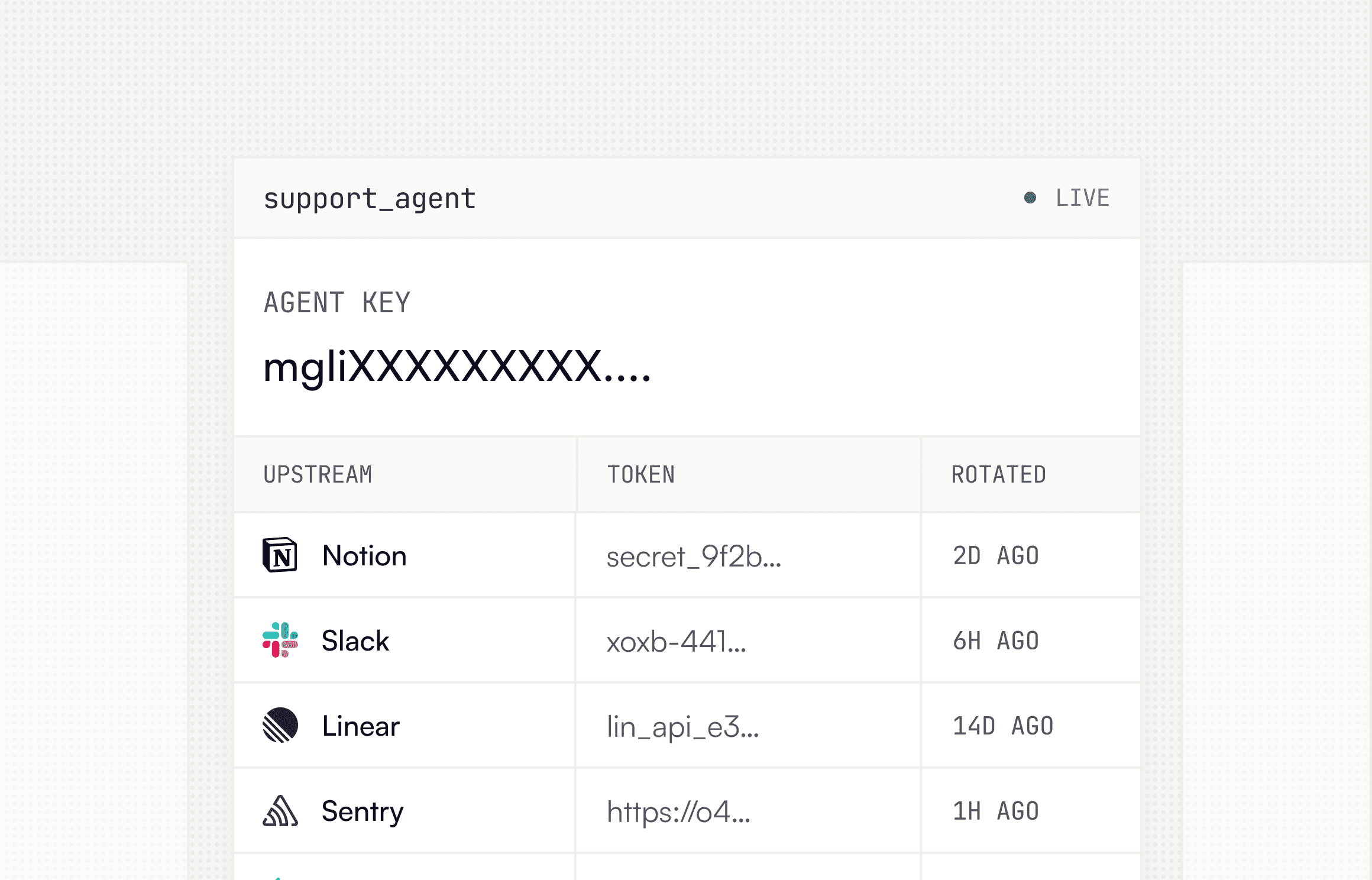
One key instead of ten raw credentials.
Drop it into your agent and it announces what it can do. When a token rotates upstream, your key doesn't change and nothing breaks. Hit a wall and the agent asks for what it needs, with its reason attached.


Engineer
Head of engineering
Security lead
One key instead of ten raw credentials.
Drop it into your agent and it announces what it can do. When a token rotates upstream, your key doesn't change and nothing breaks. Hit a wall and the agent asks for what it needs, with its reason attached.
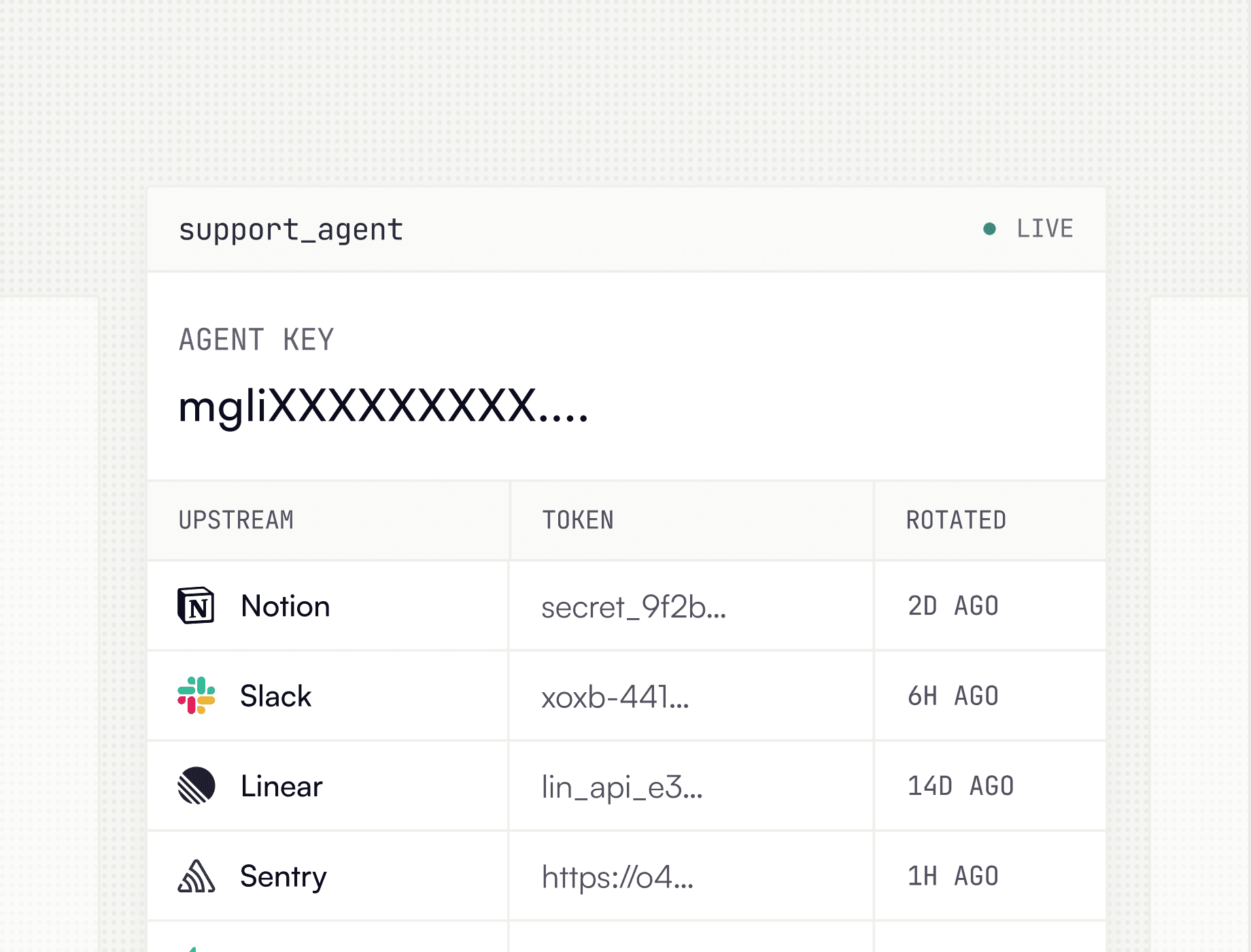


Engineer
Head of engineering
Security lead
One key instead of ten raw credentials.
Drop it into your agent and it announces what it can do. When a token rotates upstream, your key doesn't change and nothing breaks. Hit a wall and the agent asks for what it needs, with its reason attached.
Frequently Asked Questions
Does Gateway replace my MCP servers or APIs?
Do I need to rotate a key when an agent's access changes?
What happens when a call is not allowed?
Will every connected tool fill the agent's context?
Which connectors work today?
Frequently Asked Questions
Does Gateway replace my MCP servers or APIs?
Do I need to rotate a key when an agent's access changes?
What happens when a call is not allowed?
Will every connected tool fill the agent's context?
Which connectors work today?
Frequently Asked Questions
Does Gateway replace my MCP servers or APIs?
Do I need to rotate a key when an agent's access changes?
What happens when a call is not allowed?
Will every connected tool fill the agent's context?
Which connectors work today?
Gateway
by

Drop-in memory infrastructure for AI agents and apps. Context that persists. Built for production.


Gateway
by
Drop-in memory infrastructure for AI agents and apps. Context that persists. Built for production.
Gateway
by
Drop-in memory infrastructure for AI agents and apps. Context that persists. Built for production.