


Claude can already remember things between chats. Its built-in memory carries some context forward from one conversation to the next.
But that memory lives inside Claude- it doesn't follow you to your IDE, your own agents, or any other tool, and you don't control what's stored or how.
Mem0 gives you a portable, persistent, long-term memory that works across your chat sessions and the tools you build on.
Introducing the Mem0 Connector for Claude, now listed in Anthropic's official Connectors Directory. Search for Mem0, connect it from claude.ai, Claude Desktop, or Cowork, and every chat has persistent memory.
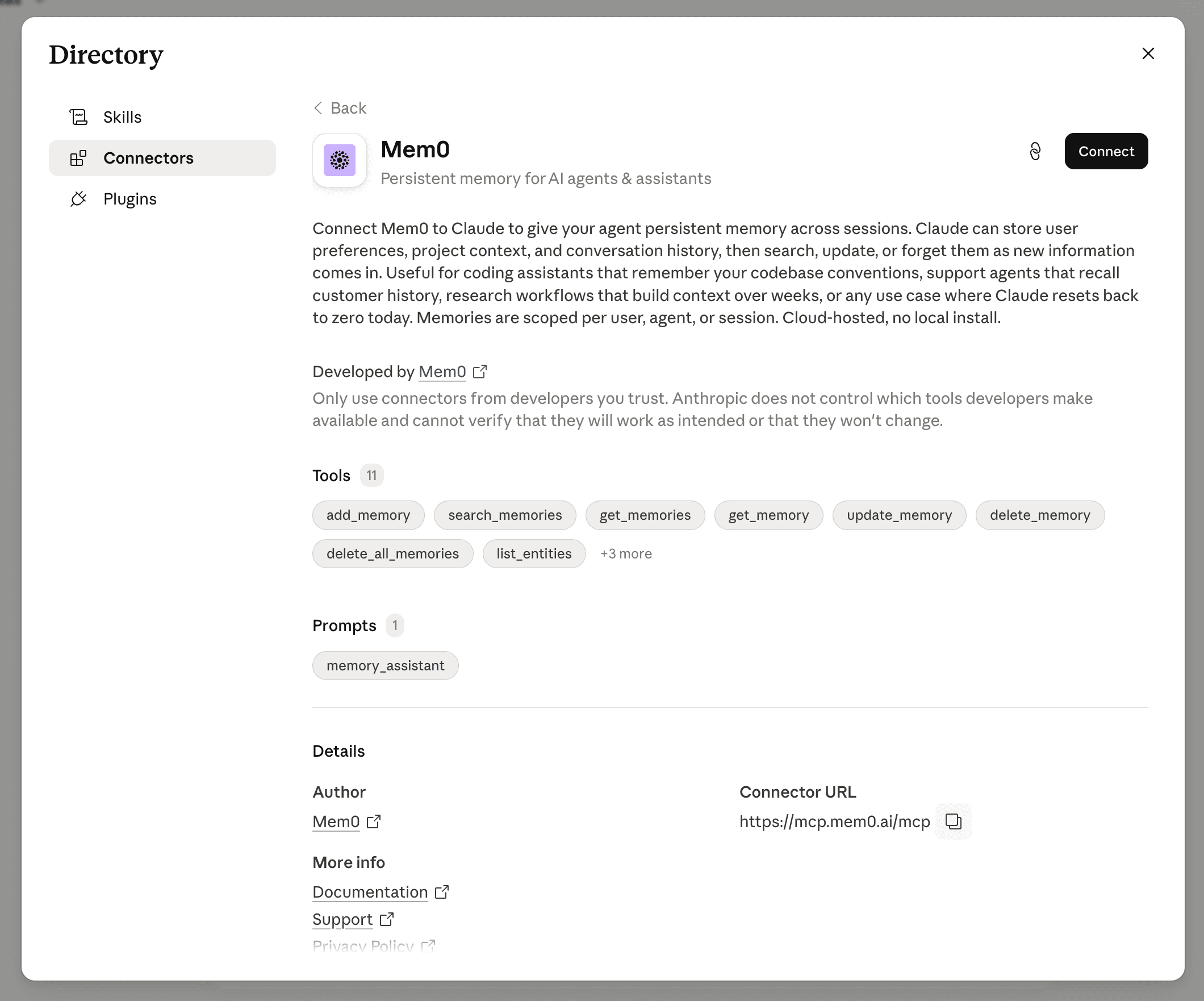
Fig: Mem0 Claude connector listed in Anthropic's Connectors Directory
What changes!
Nothing about how Mem0 stores or retrieves memories has changed. What's new is how you reach it: no more CLI, just a connector you click into from claude.ai, Desktop, or Cowork.
Here's what that unlocks:
No install path: The connector runs on Mem0's hosted MCP server (
mcp.mem0.ai/mcp). No local setup required.Available everywhere within Claude: It works identically across Claude.ai, Claude Desktop, and Cowork. The CLI plugin already covered Claude Code and the API. This connector closes the gap for everyone else.
Eleven memory tools(callable in plain English): This connector consists of 11 memory tools, including
add_memory,search_memories,get_memories,get_memory,update_memory,delete_memory,delete_all_memories,list_entities, and three more. Claude decides on its own when a tool applies.One setup prompt: The connector ships a
memory_assistantprompt that gives Claude a quick start on how to use the tools.No SDK changes: Existing
add()andsearch()calls in your own Mem0 integrations are untouched.
How it works?
Adding this Claude connector authorizes Claude to call Mem0's hosted MCP server on your behalf(scoped to your Mem0 account). Memories are scoped per user, agent, or session, same isolation model as the API and SDK.
Once connected, Claude can store facts from a conversation, pull them back in a later one, update a fact that's changed, or delete one you no longer want kept. All of it happens server-side. You never see a tool call unless you ask Claude to show its work.
Getting reliable recall
Claude decides per-turn whether a query is worth a memory lookup. Under Auto tool access (the default), a casual, low-signal question may not trigger a search. Two ways to make retrieval reliable:
Name the action: "check my Mem0 memory for X" instead of a vague ask.
Switch Mem0's tool access to Always available in Connectors → Tool access, so it's loaded into context on every turn instead of fetched only when Claude judges it relevant.
Setup
Open the "+" button or type
/, then go to Connectors.
Search "Mem0" in the Directory and click Connect.
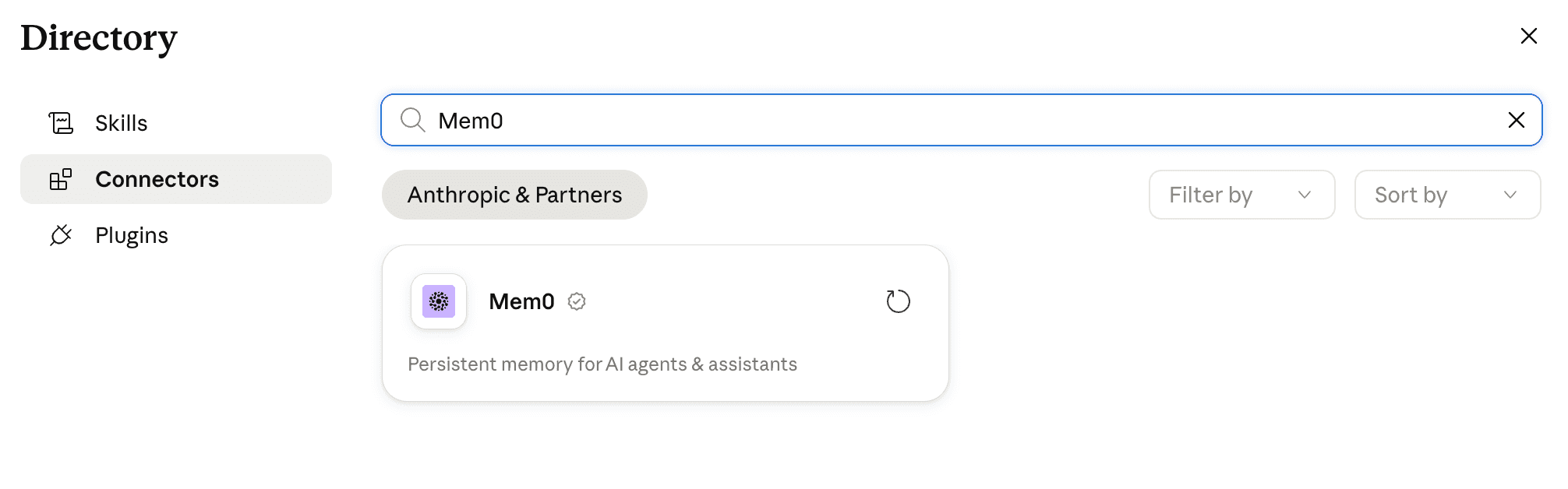
Authorize with your Mem0 account.
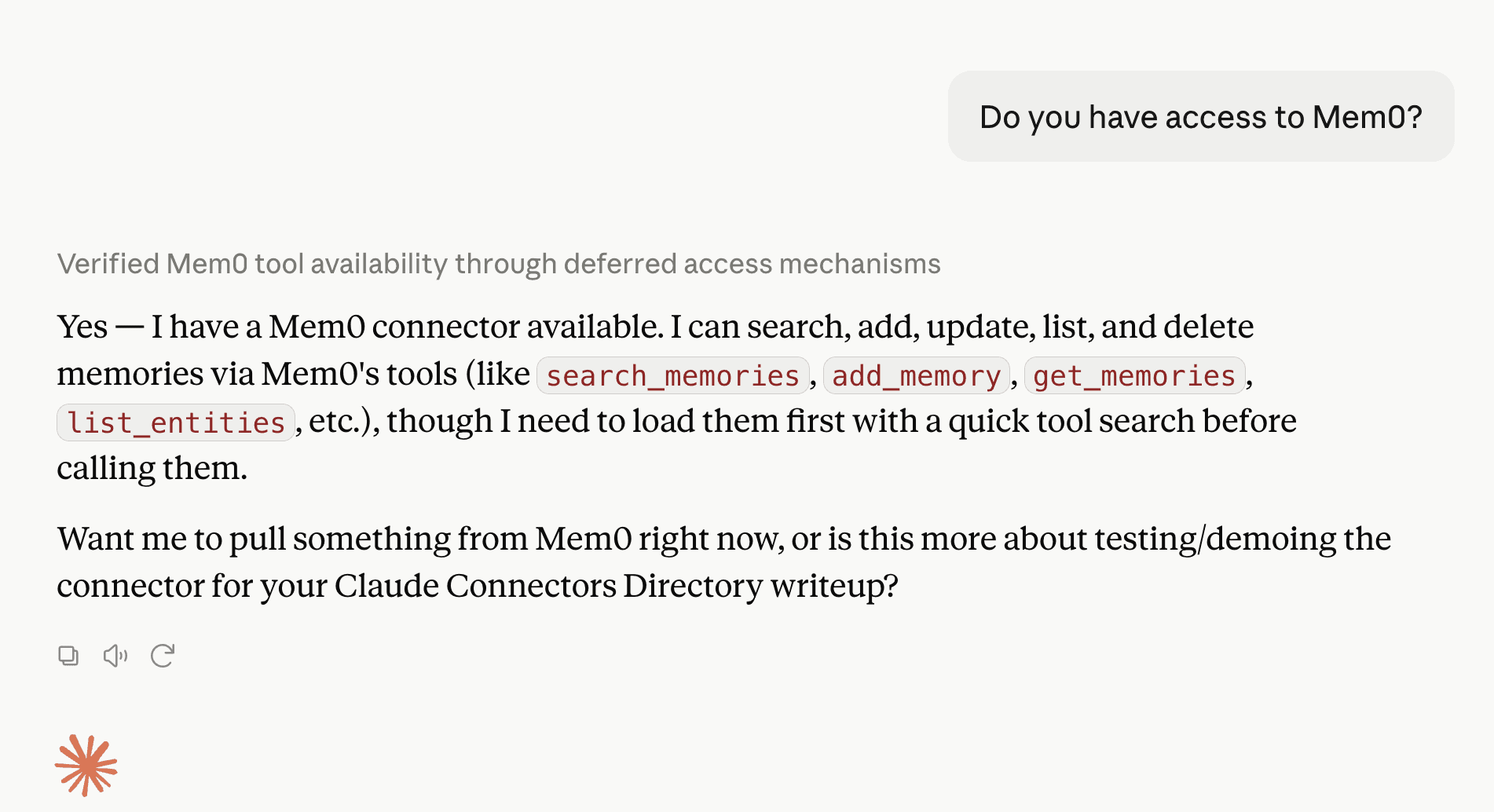
Start a new chat and ask Claude to save or recall something explicitly the first time, to confirm the connection works end-to-end.
Applications
Coding assistants: Project conventions, architecture decisions, and debugging history carry over automatically, without any CLAUDE.md rules or re-explaining.
Support and research workflows: Customer history and research context accumulate across weeks of conversations instead of resetting every time.
Personal use: Preferences set in one chat show up in the next, without needing a project or an app-specific memory feature.
GET TLDR from:

Summarize
Website/Footer

Summarize
Website/Footer

Summarize
Website/Footer

Summarize
Website/Footer


