

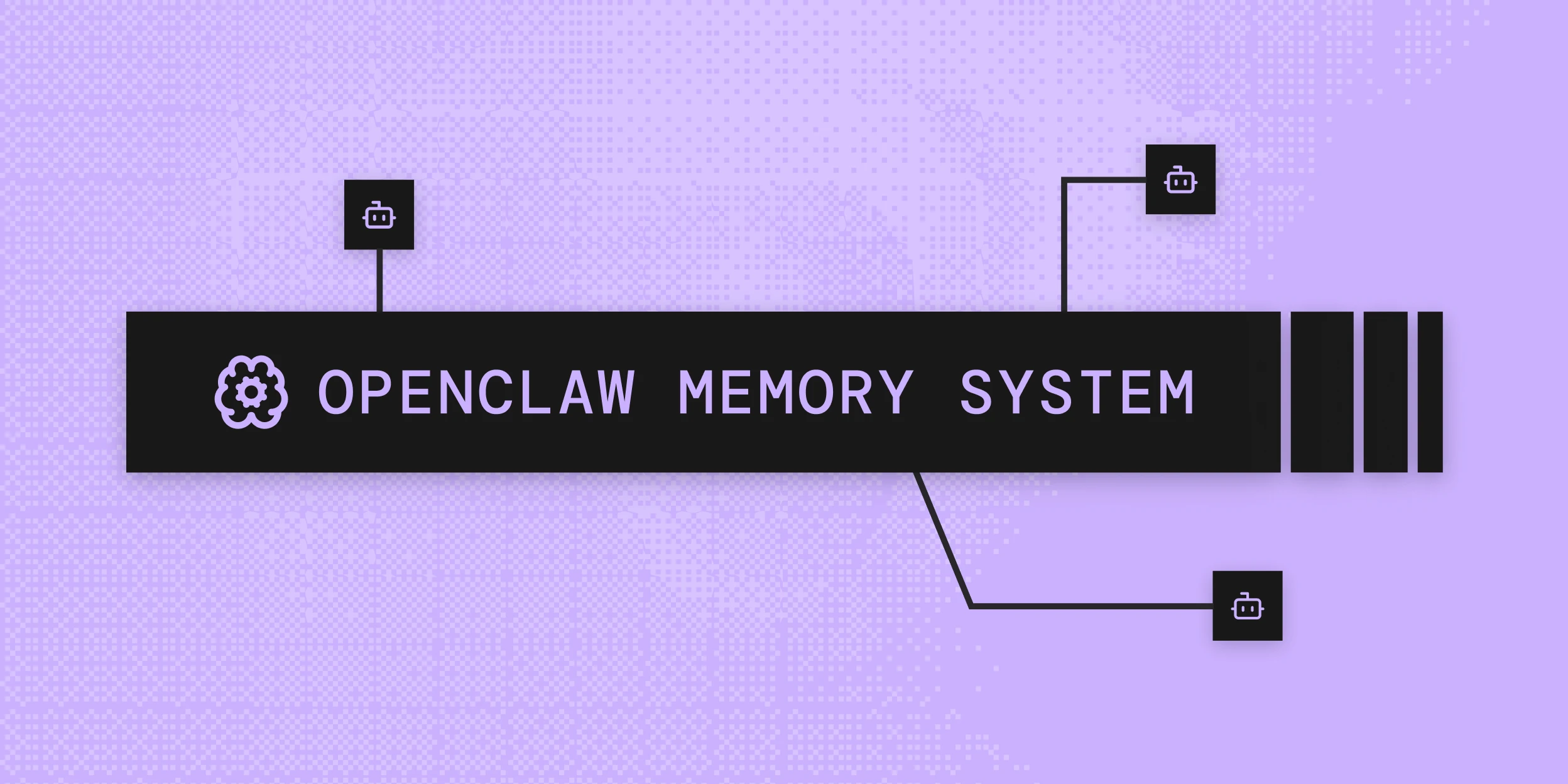
Most developers running OpenClaw agents hit the same wall within a few days. The agent was helpful in the last session. It remembered context, built on earlier decisions, felt coherent. Then a new session started and everything was gone. Preferences, project context, the decisions made two days ago - none of it carried over.
This is not a bug. It is how OpenClaw's default memory system works, and understanding the architecture is the prerequisite to fixing it.
What OpenClaw Memory Actually Is
OpenClaw memory is plain Markdown. That is the complete technical picture of the default system. Your agent's workspace contains text files, and the model only "remembers" what has been written to those files. There is no hidden state, no background database, no cloud sync. If something was not written to disk, it does not exist in the next session.
The default file structure has two layers:
MEMORY.md - the long-term curated layer. This file holds durable facts, preferences, and decisions that should survive indefinitely. It is loaded at the start of every session, so anything written here is always in context at session open. The agent is expected to write here deliberately - distilling what matters from conversation into structured, reusable notes.
memory/YYYY-MM-DD.md - the daily log layer. Running context, observations, intermediate notes. Today's file and yesterday's file are loaded automatically at session start. Files older than that are not loaded unless explicitly retrieved.
Both file types live in ~/.openclaw/workspace by default. The model reads them. The model writes to them. The files are the source of truth - which is both the simplicity and the limitation of the default system.
How OpenClaw Indexes and Searches Memory
Storing Markdown files is one problem. Finding the right content inside those files at retrieval time is another.
OpenClaw builds a SQLite index over the memory files at ~/.openclaw/memory/{agentId}.sqlite. The database stores text content, line ranges, and serialized embeddings for each indexed chunk. When a query comes in, the search layer runs two passes in parallel and merges the results:
Vector search uses embedding similarity to find semantically relevant content, even when the query wording differs from how the memory was written. Vector search accounts for 70% of the final ranking weight.
BM25 is keyword-based full-text search. It finds exact and near-exact term matches, catches cases where semantic embeddings diverge, and is faster to compute. BM25 accounts for 30% of the final ranking weight.
The 70/30 split is OpenClaw's default. This hybrid approach outperforms pure vector search on short-form queries where exact term matching matters, and outperforms pure BM25 on natural language questions where wording variation is common. The index rebuilds incrementally as files change.
Two agent-facing tools operate on this index:
memory_search- semantic recall using the hybrid index. The agent passes a natural language query and gets back the most relevant chunks from across all indexed memory files.memory_get- targeted read of a specific file or line range. Used when the agent knows what it is looking for rather than searching for it.
The Auto-Compaction Problem
OpenClaw's auto-compaction behavior is where the default memory system creates its most significant failure mode in practice.
When a session runs long enough that the context window approaches its limit, OpenClaw triggers a silent internal turn. The model is prompted to write anything important to disk before the context compacts. After compaction, the conversation history is summarized and the full message list is cleared to free context space.
The intent is sound - preserve important content before it disappears. The execution has a real limitation: what gets written depends entirely on what the model decides to write in that silent turn. There is no guarantee that everything useful makes it to disk. The model is making a judgment call under a compaction deadline, and that judgment is imperfect.
The result is selective, inconsistent long-term memory. Some preferences make it to MEMORY.md across compaction events. Others do not. Users who work with an agent for weeks accumulate a memory store that is partly reliable and partly missing - and there is no way to audit what fell through.
This is the core structural limitation of the file-based approach. It is not a configuration problem. It is an architectural one.
The Memory Plugin Slot
OpenClaw's memory system is designed to be replaceable. The active memory plugin is configured via plugins.slots.memory in openclaw.json. The default value is memory-core, which is the built-in Markdown-plus-SQLite system described above.
Setting plugins.slots.memory to a different plugin replaces the default system entirely. The new plugin takes over both the search and write paths - it provides the memory_search and memory_get tools the agent uses, and it handles what happens when the agent encounters memory-worthy content.
This slot architecture is what makes persistent memory addable without forking OpenClaw or patching its internals. The plugin system is the intended extension point.
Setting Up Persistent Memory with Mem0
The @mem0/openclaw-mem0 plugin replaces the default memory-core slot with Mem0's extraction and retrieval pipeline. Instead of writing to Markdown files and indexing them locally, the plugin routes memory operations through Mem0 - which handles extraction, deduplication, and semantic search on a dedicated memory layer.
Install the plugin:
Copy paste this to your OpenClaw chat
“Setup Mem0 from mem0.ai/claw-setup”
Note: Check your version with openclaw --version and use the latest OpenClaw version only.
For a full walkthrough of the integration - including how auto-recall and auto-capture work in practice and real-world usage patterns - see the Mem0 for OpenClaw guide. The sections below cover the full configuration surface for teams that need to go beyond the defaults.
Two Modes: Platform and Open-Source
The plugin supports two backend modes depending on your infrastructure requirements.
Platform mode uses Mem0 Cloud.
You no longer need a manual config editing to get started. Everything happens inside the OpenClaw chat itself.
Easy setup with one command “Setup Mem0 from mem0.ai/claw-setup”
Open-source mode runs entirely self-hosted. No Mem0 API key required - only OPENAI_API_KEY for the default embedder and LLM:
Note: OpenClaw treats memory plugins as an exclusive slot. Installing the plugin alone does not activate it, you must also set plugins.slots.memory as shown below.
All oss fields are optional. The defaults - OpenAI embeddings, in-memory vector store, OpenAI LLM - work out of the box. Override only what your infrastructure requires.
Memory Scopes: Session vs. Long-Term
The plugin organizes memories into two scopes with different retention windows and retrieval behavior.
Session memory is scoped to the current conversation via Mem0's run_id parameter. Content captured during a session is stored here by default. It is contextual to the ongoing work - useful for maintaining thread within a project sprint or debugging session, but not intended to persist permanently.
Long-term user memory is scoped to userId and persists across all sessions. The agent can write here explicitly using the memory_add tool with longTerm: true (the default). Preferences, stable facts, recurring project context - this is the correct scope for anything the agent should know indefinitely.
During retrieval, both scopes are searched automatically. Long-term memories surface first, then session memories, so the agent has full context without the developer needing to manage scope routing manually.
This scope model is a direct architectural improvement over the default file system, where the only mechanism for cross-session persistence is whether the model chose to write something to MEMORY.md before compaction. With the Mem0 plugin, every turn is captured at the extraction level - nothing depends on a compaction event to survive. For more on why this distinction matters for agent quality, the short-term vs. long-term memory breakdown covers the design decisions in detail.
The Eight Agent Tools
In addition to automatic recall and capture, the plugin exposes eight tools the agent can call explicitly during conversations:
Tool | What it does |
| Natural language search across memories. Accepts |
| Store facts. Accepts |
| Returns all stored memories for a user. Filter by |
| Retrieves a specific memory by ID |
| Update a memory's text in place. Preserves history. |
| Delete by |
| List recent background processing events (platform mode only). |
| Get status of a specific event by ID (platform mode only). |
The explicit tools matter for cases where the agent needs to query memory based on the current conversation, store something with precision, or clean up stale facts it detects during interaction. Automatic recall handles the general case. The tools handle the specific ones.
CLI access for inspection and debugging outside of agent sessions:
Full Configuration Reference
Core options
Key | Type | Default | Description |
|
|
| Which backend to use |
| string | OS username | Scope memories to a specific user |
| boolean |
| Inject relevant memories before each turn |
| boolean |
| Extract and store facts after each turn |
| number |
| Max memories returned per recall |
| number |
| Minimum similarity score (0-1) |
Platform mode options
Key | Type | Description |
| string | Mem0 API key from app.mem0.ai. Supports |
| string | Natural language rules for what to store or exclude |
| object | Map of category names to descriptions. 12 defaults built in |
Open-source mode options
Key | Type | Description |
| string | Custom extraction prompt for the memory pipeline |
| string | Embedding provider: |
| string | Vector store: |
| string | LLM provider: |
| string | SQLite path for memory edit history |
| string | Custom extraction prompt for the memory pipeline |
| boolean | Disable memory edit history tracking (default: |
On customInstructions: The default extraction behavior captures broadly. For domain-specific agents, narrowing the extraction scope with explicit instructions improves memory quality and reduces noise at retrieval time. A coding assistant might use: "Only store user preferences, technical stack details, and project-level decisions. Do not store conversational filler or questions the user has already resolved." This one field has a disproportionate impact on memory store quality for teams running the plugin at scale.
What Changes With Persistent Memory
The practical difference between OpenClaw's default memory and a managed persistent layer shows up across three dimensions.
Accuracy over time. The default system appends to files. The Mem0 pipeline updates existing facts when they change. If a user switches from Python to TypeScript as their primary language, the default system stores both statements. The extraction pipeline replaces the old fact with the new one. The memory store reflects what is currently true rather than what was once said.
Cross-session continuity. The file-based system relies on the compaction flush to preserve context across sessions. That flush is imperfect. The managed layer captures at the turn level, after every exchange, so nothing depends on a compaction event to survive.
Retrieval precision. Local hybrid search over Markdown files works reasonably well for small memory stores. As the store grows past a few dozen files, retrieval quality degrades with the noise. Mem0's extraction pipeline works against a store of discrete facts rather than raw text chunks - retrieval is operating on semantically clean units rather than document fragments.
For the underlying theory on why persistent memory changes agent quality over time, the long-term memory for AI agents guide and what AI agent memory is cover the design decisions and architectural trade-offs in detail. For teams running OpenClaw in multi-agent configurations, the multi-agent memory systems guide explains how to structure memory scopes across agent hierarchies.
External references:
GET TLDR from:

Summarize
Website/Footer

Summarize
Website/Footer

Summarize
Website/Footer

Summarize
Website/Footer


